Spoonmark for iPhone
How to save recipes from YouTube
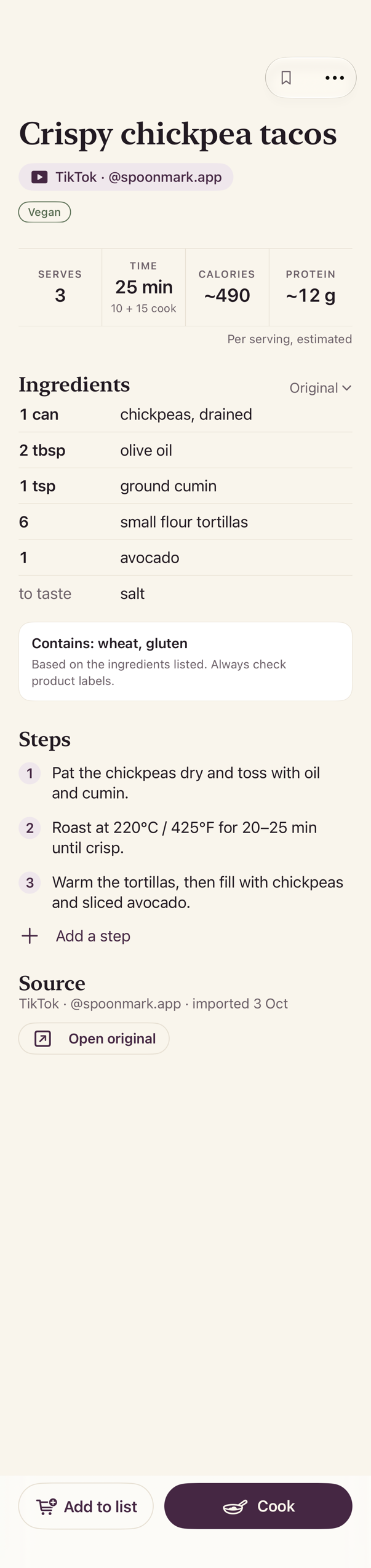
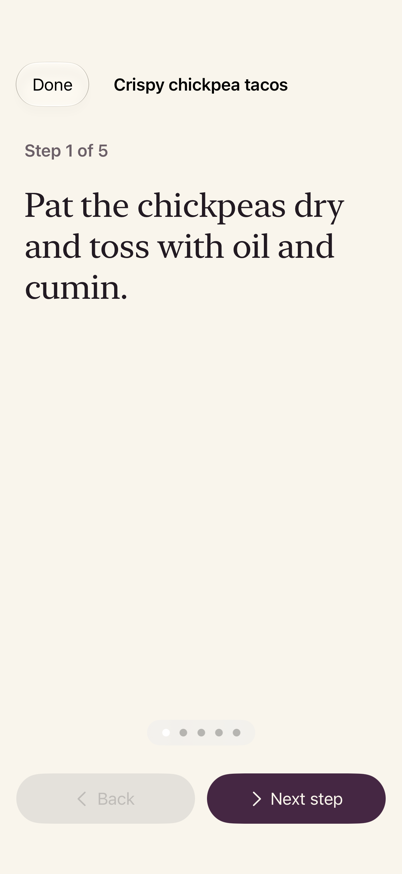
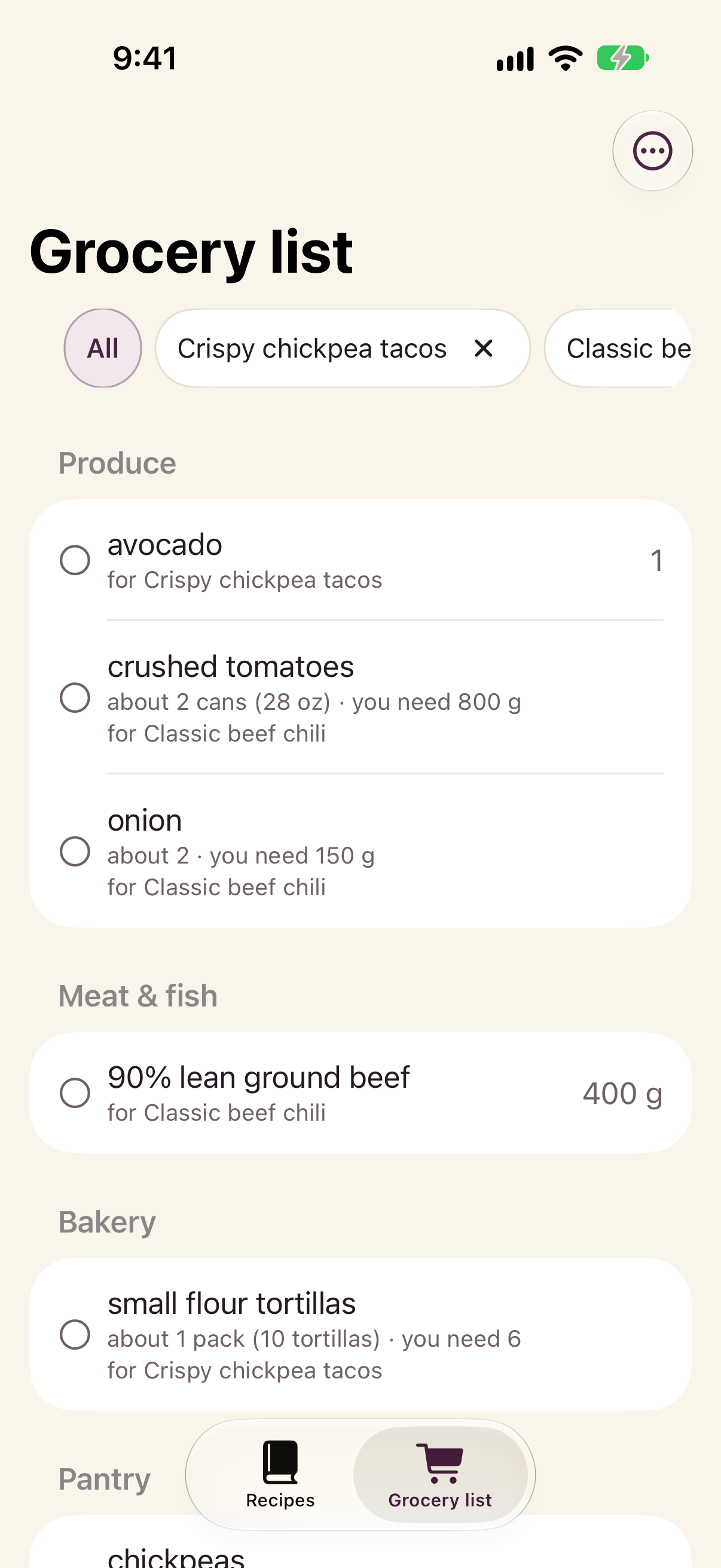
Most YouTube cooks write the recipe in the description. Spoonmark reads it from a screenshot and turns it into ingredients, steps and a grocery list, so it ends up in your recipe box instead of lost under the video.
Get Spoonmark, free on the App Store
Needs iOS 26 or later.
Step by step
- Expand the description
Under the video, tap the title or ...more so the full description shows, and scroll to the ingredients.
- Take a screenshot or two
Screenshot the ingredients and the method. Several screenshots are fine: Spoonmark reads them as one recipe.
- Share the screenshots to Spoonmark
In Photos, select the screenshots, tap Share and choose Spoonmark. Or open Spoonmark and tap Import from Photos.
- Review & save
Spoonmark shows Found a recipe. Check the ingredients and the steps, fix anything, and save.
What you get
Questions
Can I share the YouTube link instead?
Not yet. YouTube doesn't hand the description to other apps, so a link on its own usually finds no recipe. If the creator links to a recipe website, share that page: recipe websites import directly.
The recipe is in a pinned comment
Screenshot the comment the same way. Spoonmark reads any text in the image.
Does it work with Shorts?
Yes, when the recipe is written in the description or on screen: screenshot it. Spoonmark doesn't download YouTube videos.
Is it free?
Spoonmark is free on the App Store. There's no account to create.
Get Spoonmark, free on the App Store
Also: TikTok · Instagram · Screenshots