Spoonmark for iPhone
How to save recipes from screenshots
Your camera roll is full of recipes you can't search. Spoonmark reads the text in a screenshot and turns it into a recipe with ingredients, steps and a grocery list.
Get Spoonmark, free on the App Store
Needs iOS 26 or later.
Step by step
- Take the screenshot
Any recipe written out on screen works: a caption, a video description, a message, a web page. Make sure the ingredients and the amounts are readable.
- Share it to Spoonmark
In Photos, select the screenshots of one recipe, tap Share and choose Spoonmark. Or open Spoonmark and tap Import from Photos.
- Review & save
Spoonmark shows Found a recipe when it reads one. Check the ingredients and the steps, fix anything, and save. If the screenshot has no recipe on it, Spoonmark asks for a screenshot of the ingredients or the video.
What you get
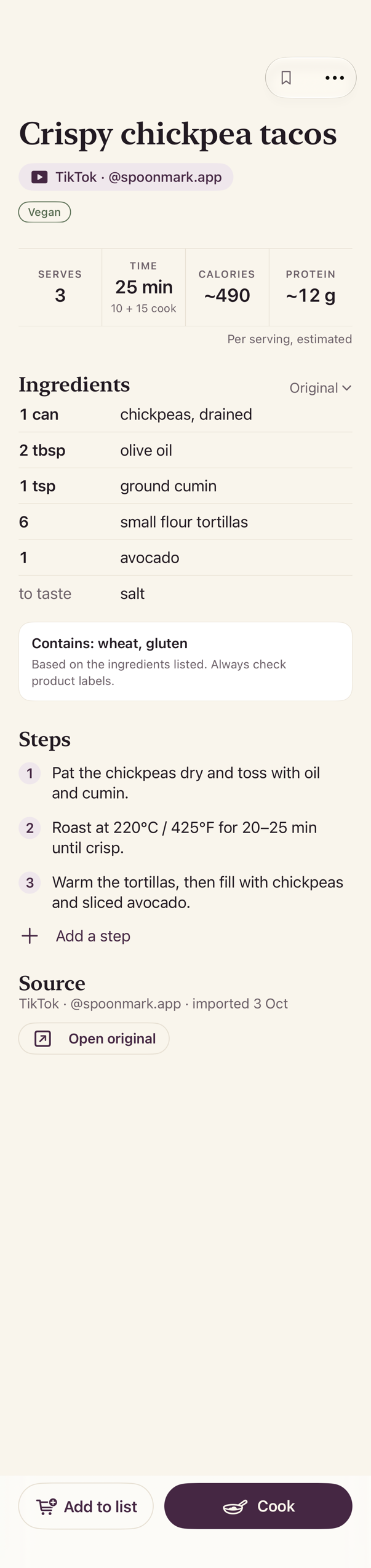
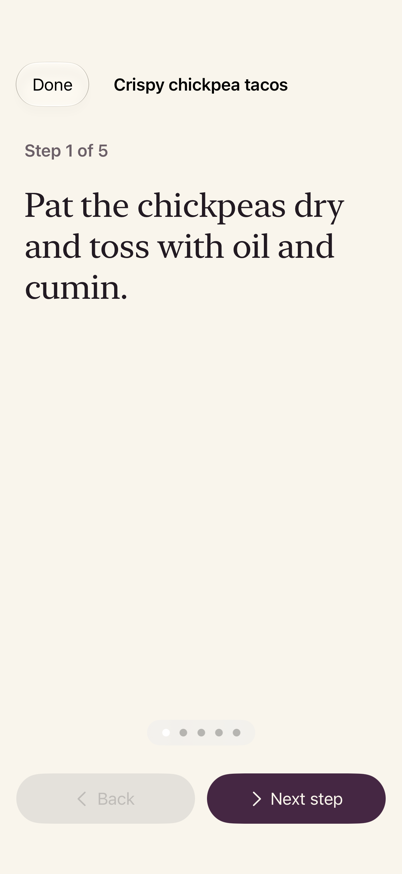
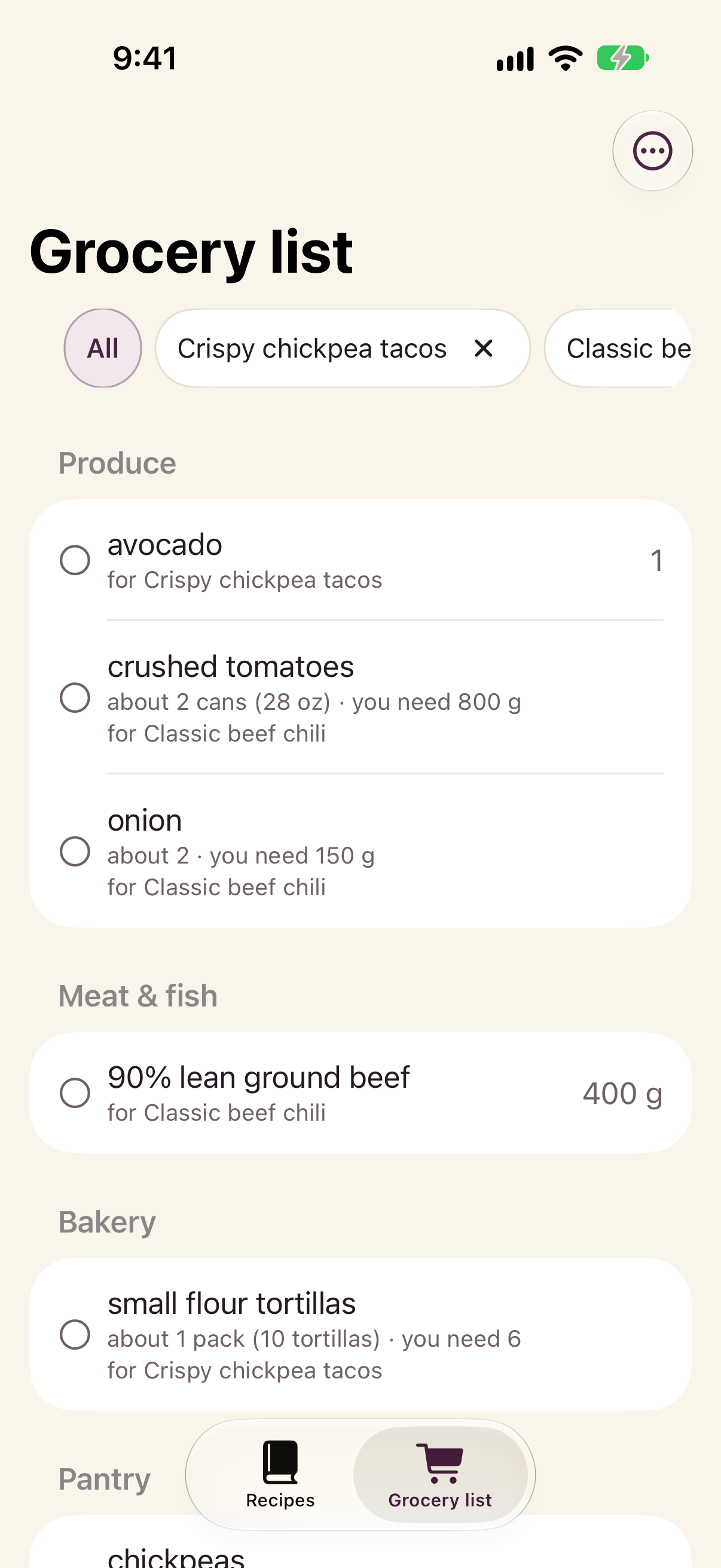
Questions
Do old screenshots work?
Yes. Share the screenshots of one recipe together: Spoonmark reads them as a single recipe and shows it for you to review. Then repeat for the next recipe.
What about a photo of a cookbook page or a handwritten note?
Printed pages usually work. Handwriting is hit and miss: if nothing is readable, Spoonmark says so and nothing is saved.
Can I fix a wrong amount?
Yes. Everything is editable before you save, and any time after.
Is it free?
Spoonmark is free on the App Store. There's no account to create.