Spoonmark for iPhone
How to save recipes from Instagram
Instagram's Saved folder keeps the reel, not the recipe, and reel links don't carry the caption to other apps. Spoonmark reads the recipe from a screenshot of the caption, or from the reel itself.
Get Spoonmark, free on the App Store
Needs iOS 26 or later.
Step by step
- Open the caption
On the reel or post, tap the caption so the whole recipe shows. Tap more if it's cut off.
- Take a screenshot
Screenshot the ingredients and the method. If they don't fit on one screen, scroll and take another: Spoonmark reads them together.
- Share the screenshots to Spoonmark
In Photos, select the screenshots, tap Share and choose Spoonmark. Or open Spoonmark and tap Import from Photos.
- Review & save
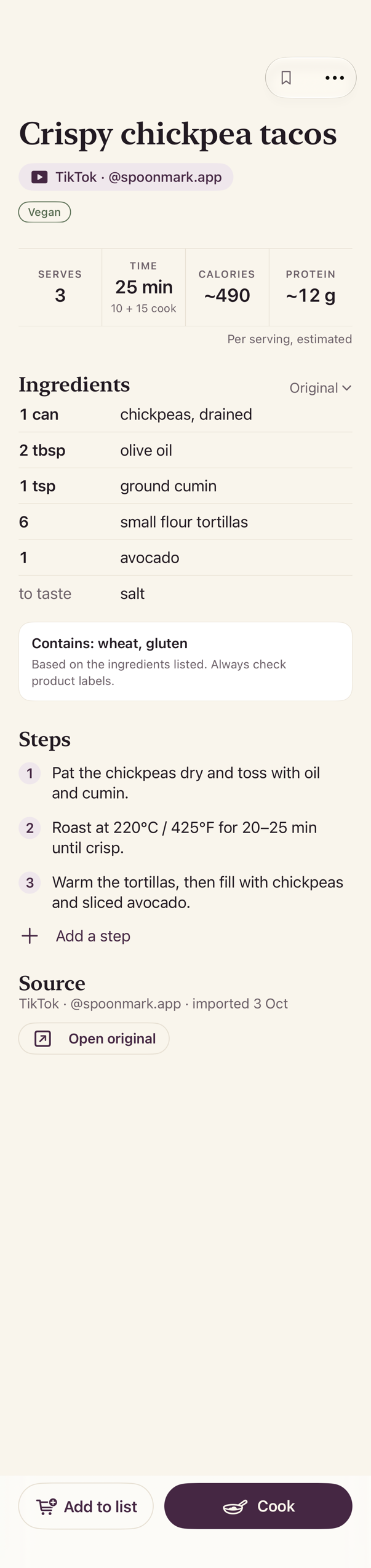
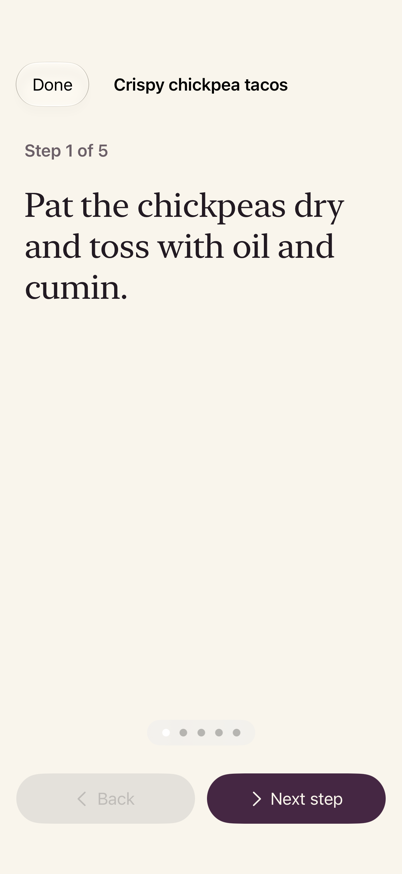
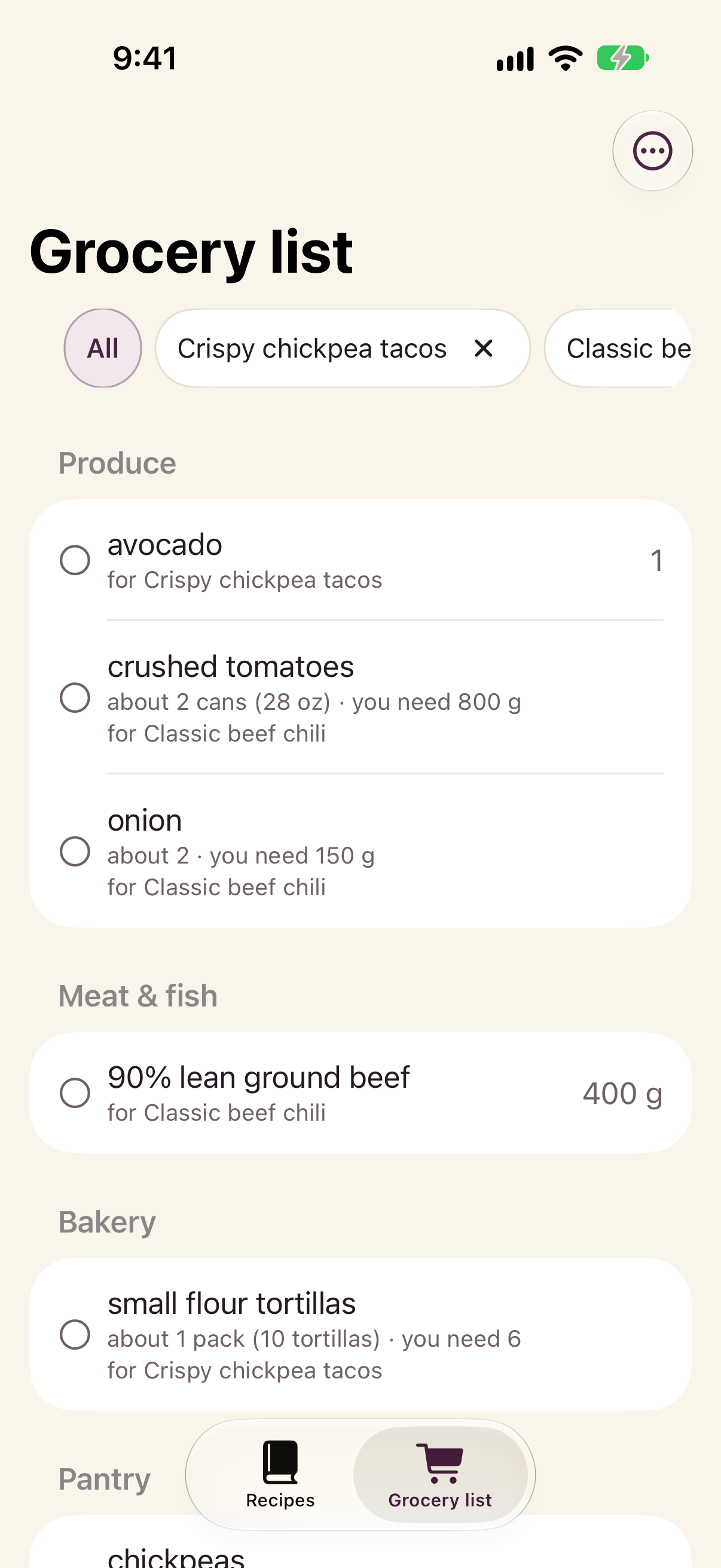
Spoonmark shows Found a recipe. Check the ingredients and the steps, fix anything, and save.
What you get
Questions
Can I just share the reel link?
You can, but Instagram doesn't hand the caption to other apps, so Spoonmark will ask you for a screenshot or the video. Starting from the screenshot saves a step.
The recipe is only spoken in the reel
When Instagram offers Download under the reel's Share button, save it and share the video from Photos to Spoonmark, then open the app. The video is read on your phone and deleted afterwards.
Is it free?
Spoonmark is free on the App Store. Before each video import, the app shows how many free video imports you have.
Does Spoonmark need my Instagram account?
No. It never signs in to Instagram and never posts anything. It only reads what you share with it.
Get Spoonmark, free on the App Store
Also: TikTok · YouTube · Screenshots